For property developers

Everything a buyer needs to say yes.

A development looks serious the moment a buyer can open the plan, walk the unit, see what is still free and book a call without waiting on anyone. That is what the projects below do, for real developments, today. Every live one opens in a new tab. Go and try them.
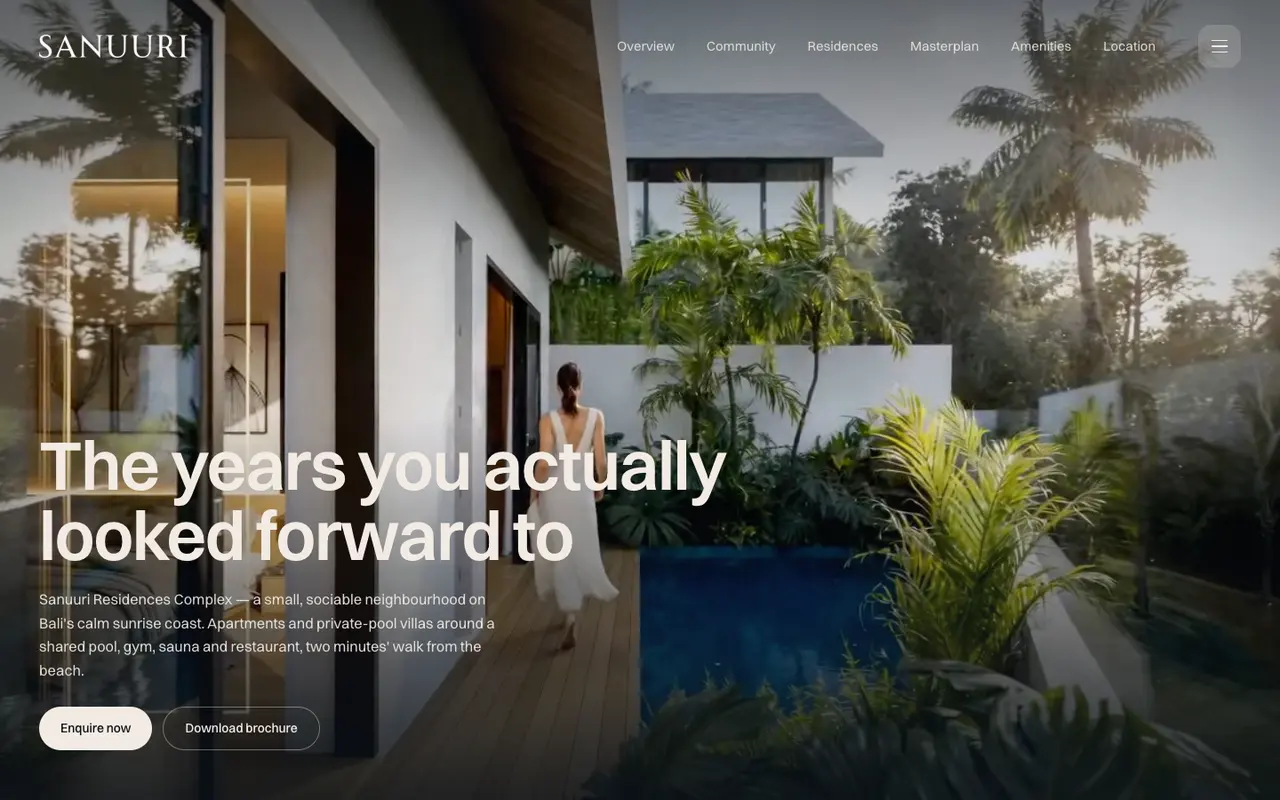
sanuuri.comliveThe Sanuuri Residences homepage, a villa terrace at dusk behind the headline.
The landing view. Enquiry and brochure are both one tap away.
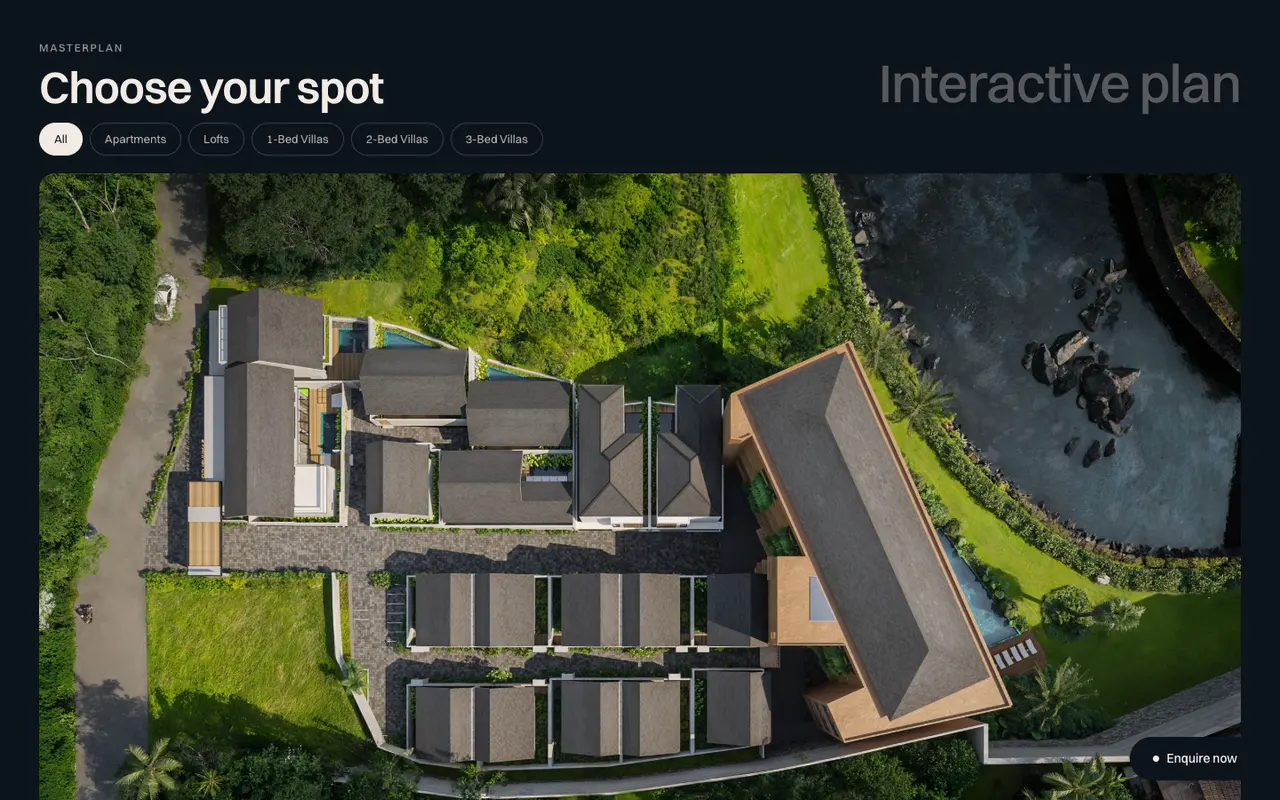
sanuuri.comliveThe Sanuuri interactive plan seen from above, with filter pills for apartments, lofts and villa types.
The interactive plan. Filter to a unit type, then open the unit.
Development sales site

Sanuuri Residences Complex

Apartments and private-pool villas, Sanur, Bali

The sales site for a small residential complex. A buyer arrives, reads what the neighbourhood is, opens the plan from above, filters it down to the unit type they want, looks at that type in detail and sends an enquiry. All of it on one page, all of it on a phone.

  • Interactive plan from above, filtered by unit type
  • Four residence types, each with its own detail view
  • Neighbourhood, amenities and location sections
  • Enquiry flow and brochure download wired end to end
  • 360 walkthrough tours hosted on a subdomain
Open sanuuri.com
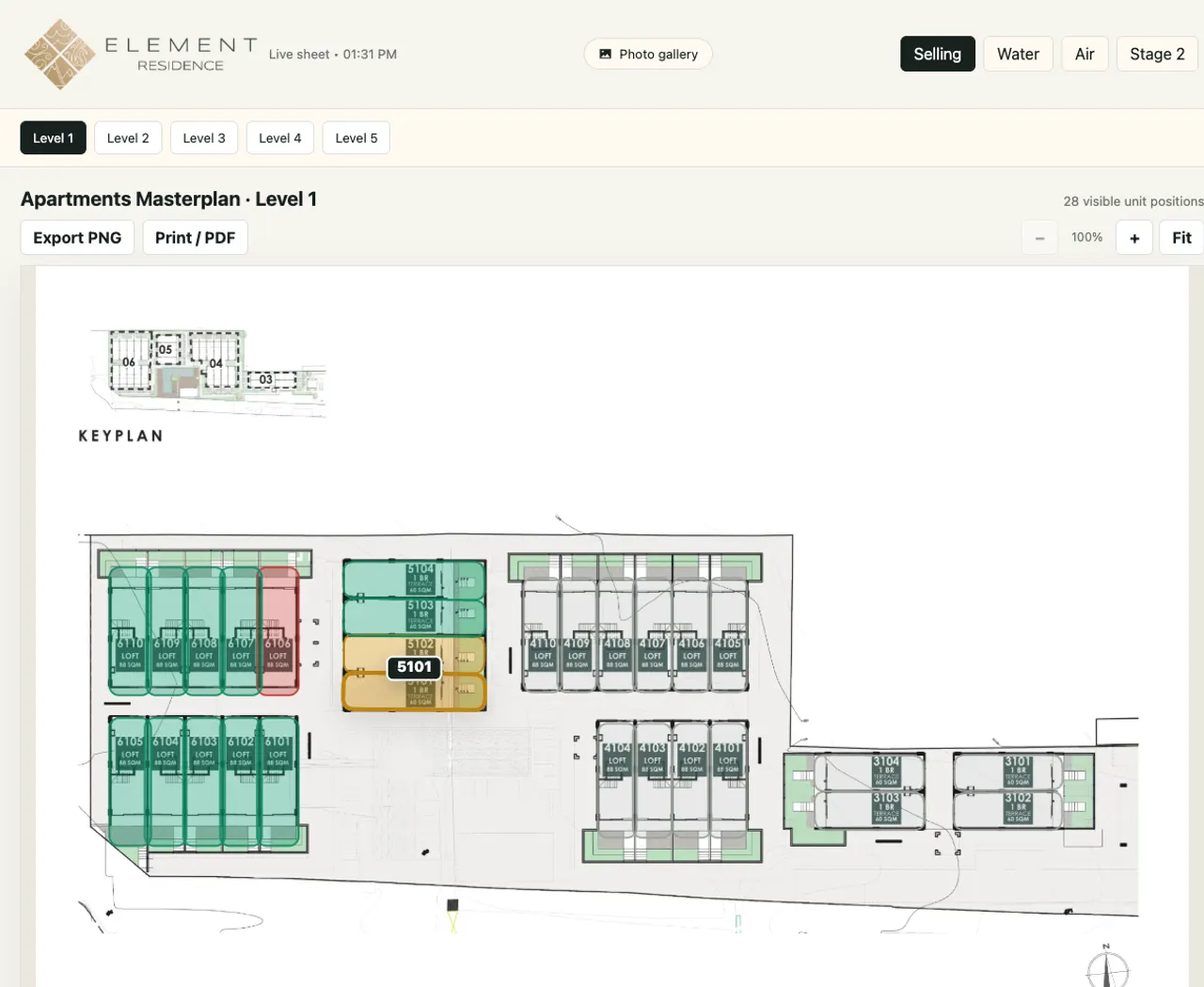
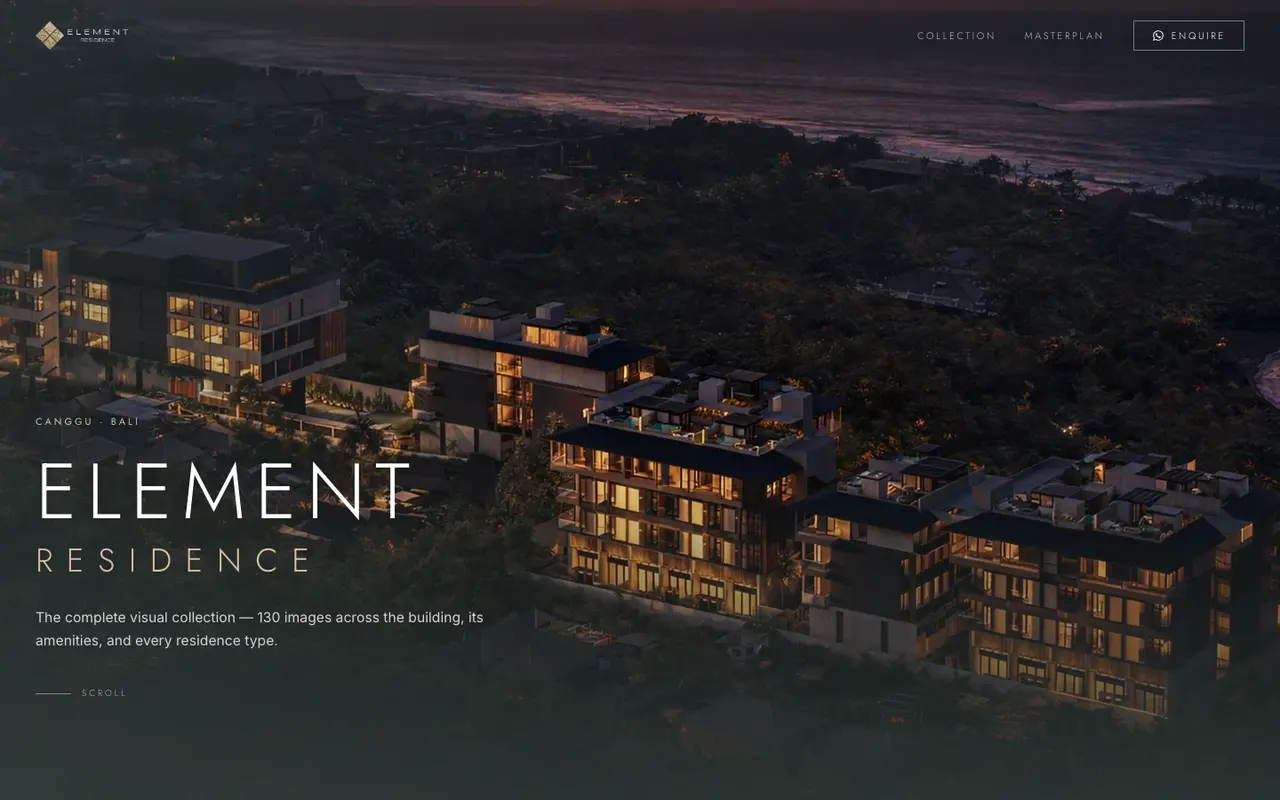
element.investlandbali.comliveThe Element Residence masterplan, level one, with every apartment drawn on the floor plan and colour-coded by status.
Level one. Each unit carries its number, type and size, and its colour comes from the live sheet.
Interactive masterplan and availability board

Element Residence masterplan

Apartments across five levels, Canggu, Bali

A masterplan that runs on its own, separate from the project site, so the sales team opens it mid-call and moves around the building live. Every unit is drawn on the floor plan with its number, type and size. Status comes from the sheet the team already keeps, so what a buyer sees is what is actually free. Sales can export the current plan to PNG or PDF without asking anyone.

  • Every unit drawn on the plan, level by level
  • Filter by building, by stage or by status
  • Unit detail with type, floor, beds and areas
  • Status read from the live sheet the team already updates
  • Export to PNG or print to PDF from the page
  • Copy a link straight to one unit
Open element.investlandbali.com
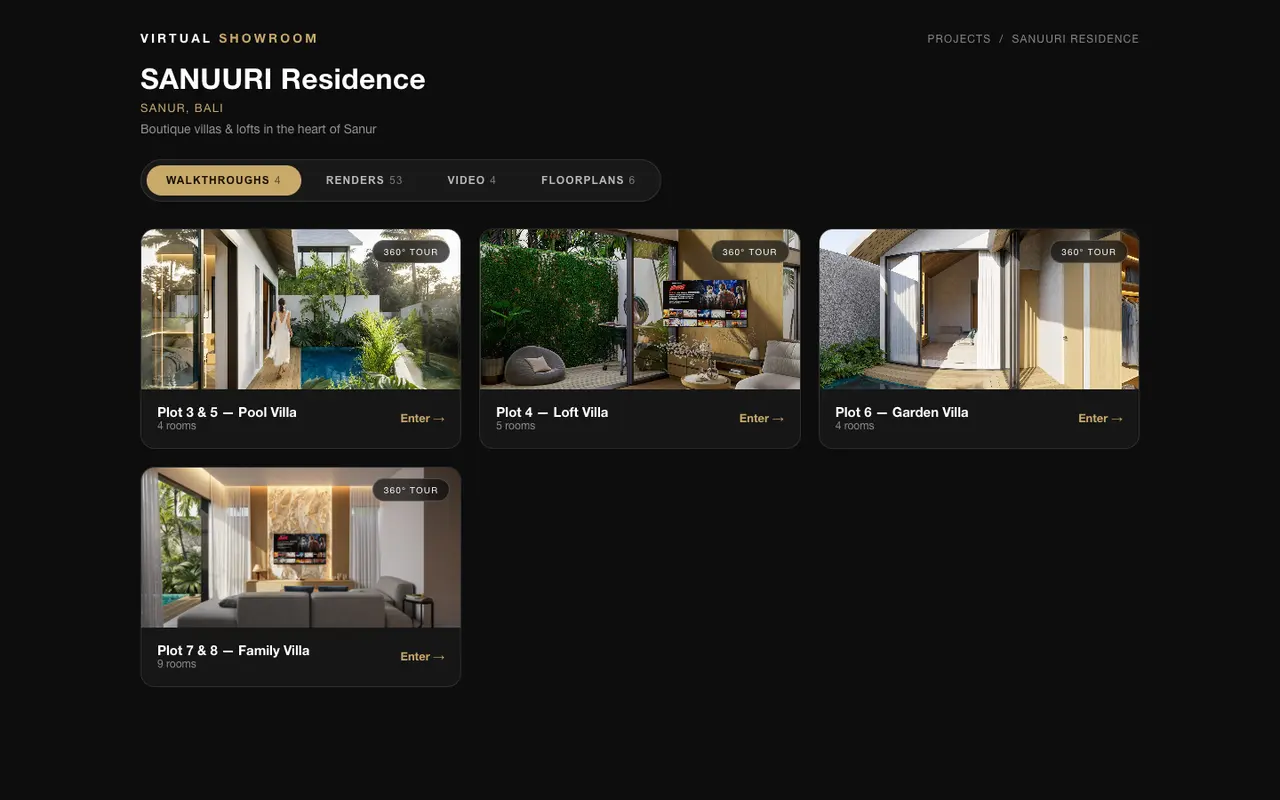
tours.sanuuri.comliveThe Sanuuri virtual showroom index, listing four villa tours with their room counts, plus tabs for renders, video and floorplans.
The showroom index. Four tours, and the render, video and floorplan sets.
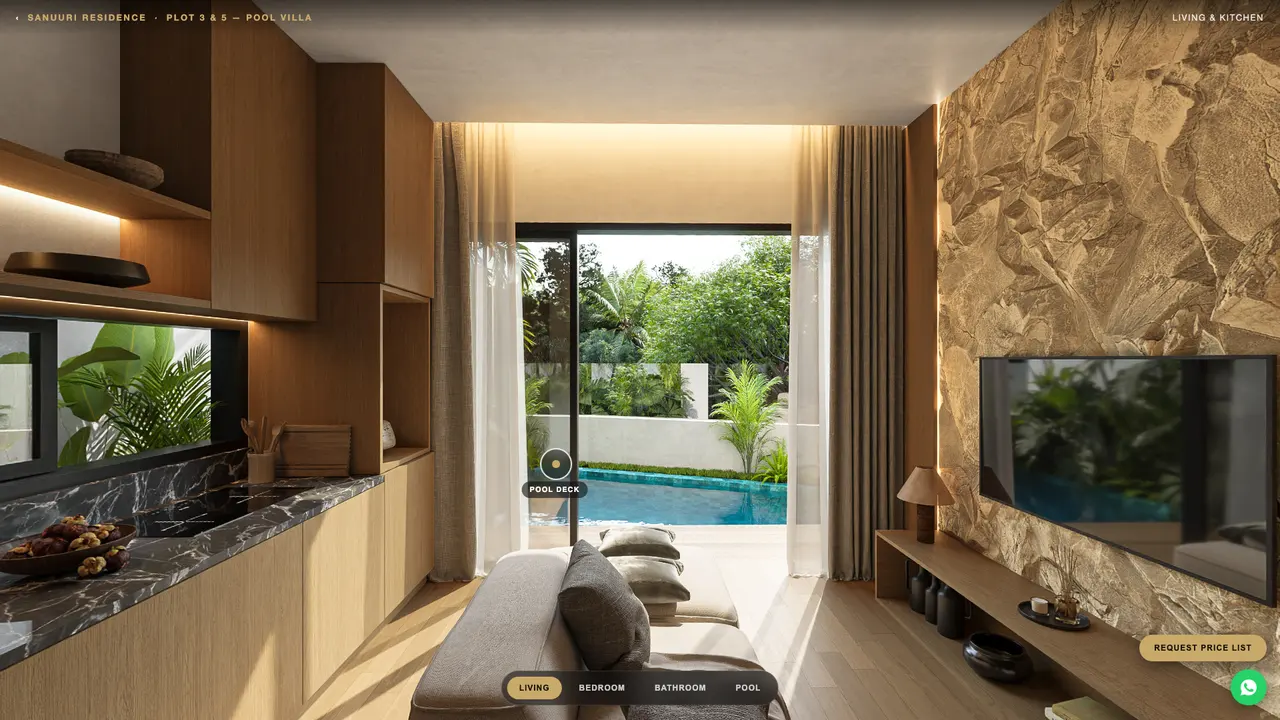
tours.sanuuri.comliveInside a walkthrough tour: a villa living room and kitchen looking out to the pool, with a hotspot onto the pool deck and a room switcher along the bottom.
Inside a tour. Drag to look around, tap a marker to walk to the next room.
Virtual showroom

Sanuuri virtual showroom

Four villa types, Sanur, Bali

A walk through each villa type in a plain phone browser, nothing to install. A buyer eight time zones away stands in the living room, looks out at the pool and moves to the bedroom before the first call, which is the part a floorplan and a render set cannot do.

  • A tour per villa type, room to room
  • Hotspots between rooms, and a room switcher on every screen
  • Renders, videos and floorplans in the same showroom
  • A price list request that hands the buyer into WhatsApp
Open tours.sanuuri.com
Built, not yet public

More of it is client-side.

These are built and in use. They sit behind a client's login, or the client has not cleared us to name them, so the card stays blank until they do. We will walk you through any of them on a call.

Lead capture and sales CRM

Enquiries from the site land in a CRM built around one sales team.

Awaiting release
Interactive lot map

A site plan where each lot is selectable, for a commercial site.

Awaiting release
Marketplace site

A listings marketplace with a searchable index and per-listing pages.

Awaiting release
Contract generation and signing

Generate the contract set for a sale, then get it signed, in one place.

Awaiting release
Client portal

A logged-in area where a client follows their own project.

Awaiting release
Site operations tool

Workplace check-in for crews, used on site every day.

Awaiting release
What we build

By the thing itself.

Development sales sites

The whole project on one page: what the place is, what the units are, and a way to enquire that does not depend on anyone being at a desk.

Interactive plans from above

The plan a buyer can actually use. Filter to a unit type, tap a specific unit, open that unit. It replaces the question "which ones are left" with a screen.

Availability straight from your sheet

Whoever keeps the availability sheet keeps keeping it. The plan reads from it, so sold means sold everywhere and nobody edits a website to make that true.

Render galleries on your own domain

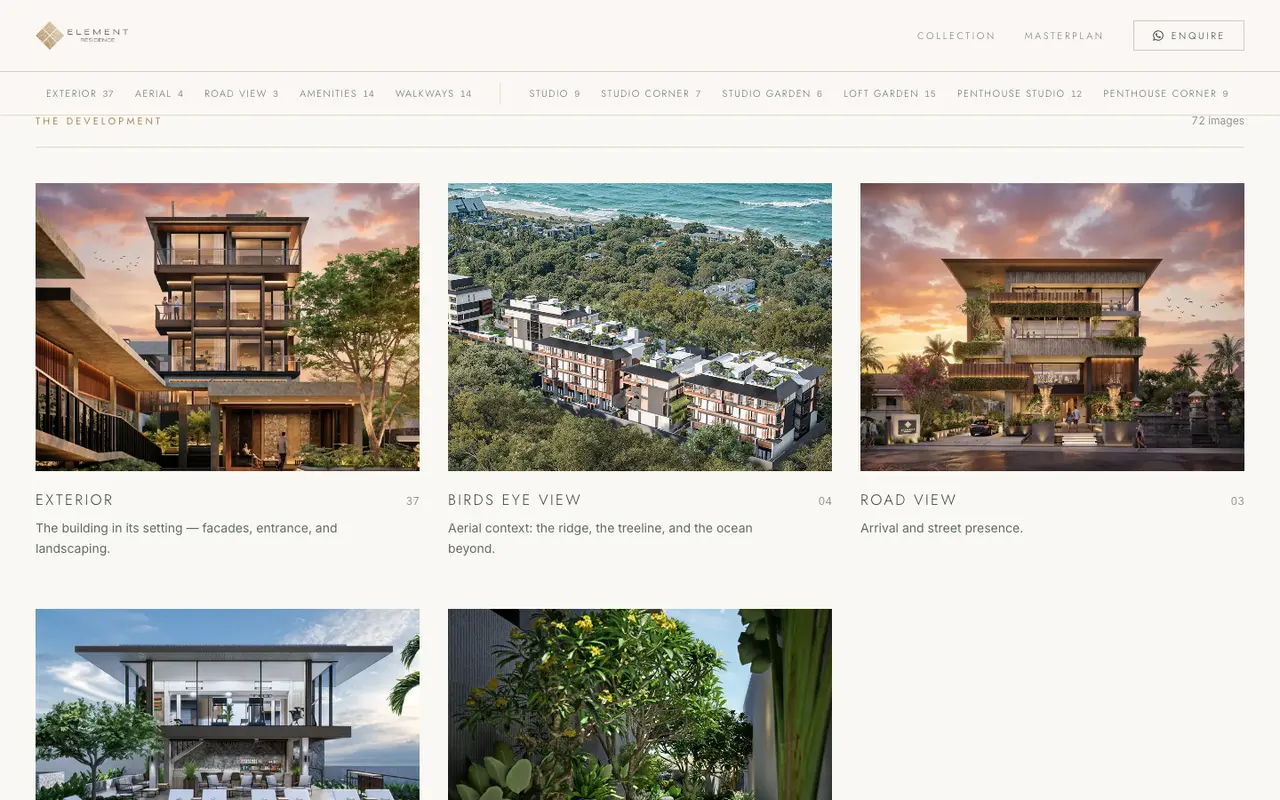
The full render set organised by collection and hosted by you, instead of living in a photographer’s sharing account you do not control.

Virtual showrooms

A walk through a unit type in a phone browser, nothing to install. For the buyer who will not fly in before they decide.

Enquiries that land somewhere

A plan and a showroom create interest. This is where it goes: a pipeline with an owner, a stage and a next action, instead of a shared inbox nobody owns. Built around how your team sells, not a product your team has to adapt to.

Shown on a call

Interactive lot and site maps

The same selectable-plan pattern outside residential: commercial lots, market stalls, pitches, stands.

Shown on a call

Marketplace sites

When it is many assets rather than one development: a searchable index, a page per listing, and enquiries routed to the right person.

Shown on a call

Contract generation and signing

The step after yes. The contract set for a unit generated from the deal, then signed, without rebuilding last month’s documents by hand.

Shown on a call

Client portals

A logged-in area where a buyer or client finds the current documents for their own unit, rather than the version attached to an old email.

Shown on a call

Site and back-office tools

The parts nobody puts in a brochure: crew check-in, reporting, the internal screens a development actually runs on.

Shown on a call

Make the project easy to sell.

The same layer as the work above, on your development. It puts the project in front of a buyer the way the project actually deserves, lets someone on the other side of the world walk the unit at midnight, and keeps availability right everywhere without anyone editing a website. Your team stops explaining the layout and starts sending one link.

Book a call

Bring plans, renders and your unit list. A 30-minute call is enough to scope it, and you will see the work above from the inside.